Software contract
Confirm whether the application needs a manufacturer SDK, PC/SC or libNFC. A board-size choice does not establish the software interface.
OEM / EMBEDDED / INTEGRATION PATH
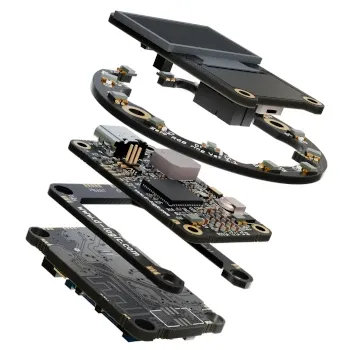
OEM integration brings the reader, enclosure and software into one design. Choose the software path first, then confirm the exact board, connection and mechanical drawing for the equipment.
See the matching modelsDEFINE THE APPLICATION
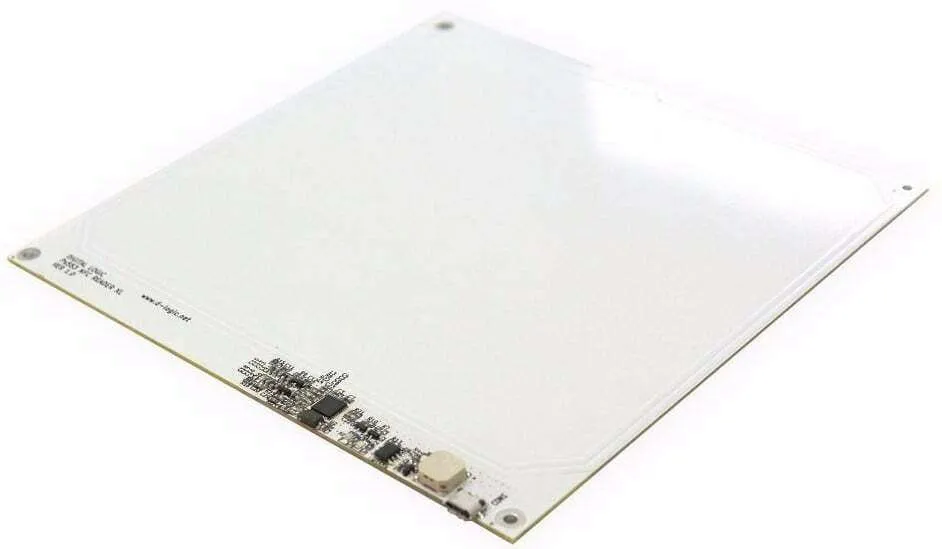
An OEM module is one part of the finished system. Panel material, nearby metal, power, cable routing and card placement affect the installation. Compare board formats against your drawing, and test the actual enclosure with the project’s cards before freezing the equipment design.
Confirm whether the application needs a manufacturer SDK, PC/SC or libNFC. A board-size choice does not establish the software interface.
Provide the panel drawing, mounting method, power arrangement and connector requirements. Ask for the precise board and cable configuration.
Define a repeatable card placement and operation in the real enclosure. Treat reading performance as a test result for that installation.
OEM SAMPLE REQUIREMENTS
Combine the card operation, host software and enclosure conditions in one brief. Select the exact USB board and agree observable checks before a pilot batch.
ILLUSTRATIVE PROJECT BRIEF
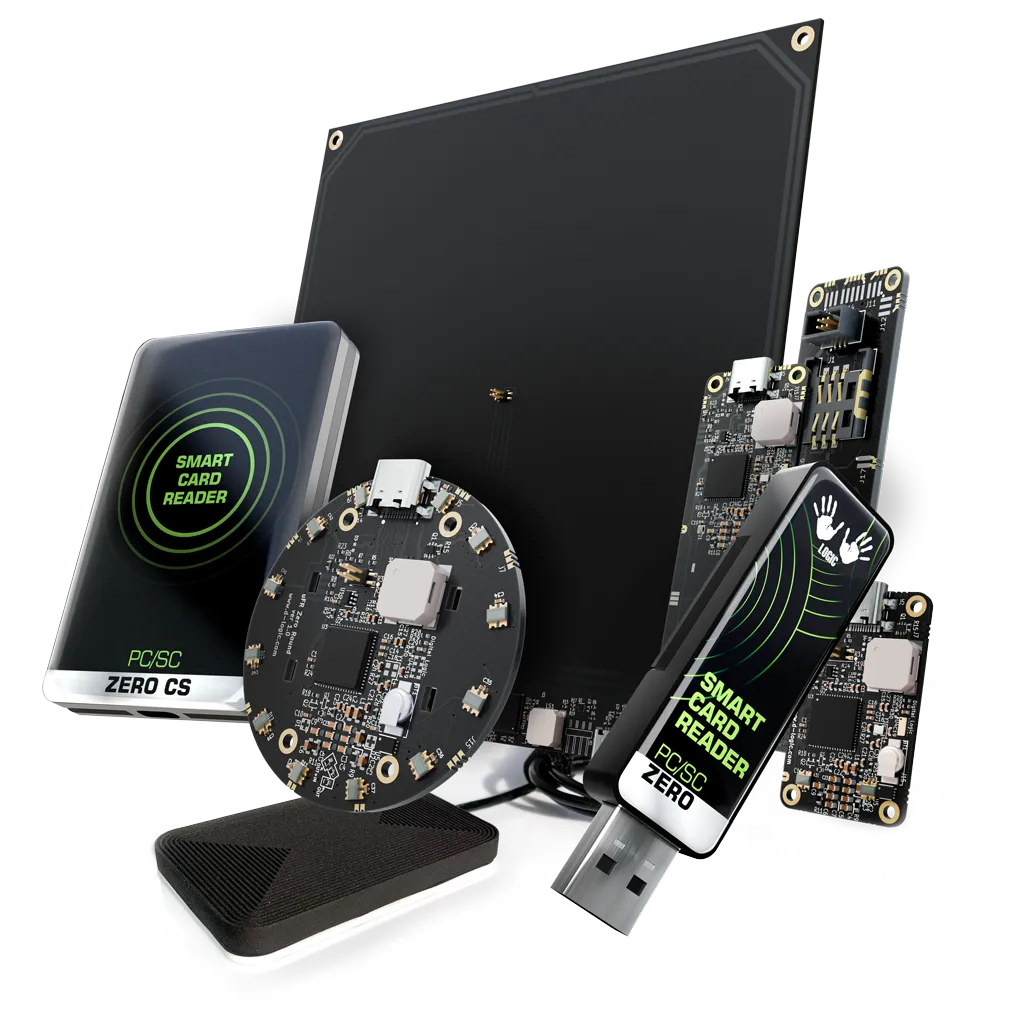
This is a requirement example, not a customer case or device test. The selected PR-106, PR-203 and PR-403 configurations use USB. TTL UART and RS232 variants, SAM and other options require separate confirmation. PR libNFC uses libNFC/libusb, not the µFR SDK; no catalogue reading distance guarantees the installed result.
Use the exact sample card with the recorded host, library and firmware. For PR-106 evaluate the required SDK operation; for PC/SC use the actual card-command sequence; for PR libNFC use the target libNFC/libusb build. Record expected and observed results.
Record panel, antenna position, card orientation, nearby metal, power and cable arrangement. Repeat the required operation in the intended card presentation area. Keep failures and test conditions; a bench result covers that setup.
Repeat after USB reconnection and application restart. Confirm board revision, connector, supplied items and any optional components against the quotation. Agree acceptance and sample quantity before discussing a batch.
Add what is known and mark unknowns. Keep passwords, card keys and customer data out of the inquiry. The checklist is added only when you choose to insert it.
THE HARDWARE
Protocols and connections depend on the selected configuration. Review the model details.
MAKE THE INQUIRY SPECIFIC
The installed result depends on the card, enclosure and placement. Define a sample test for the actual equipment instead of assuming a guaranteed distance.
OEM and finished configurations differ in enclosure, cabling and installation requirements. Request the configuration that matches the intended use.
Tell us your card type, platform and quantity. We’ll help narrow the options.