Library and transport
Record the libNFC version, enabled device driver and connection. Confirm the chosen reader is discovered through that configured path.
LIBNFC / OPEN SOURCE / INTEGRATION PATH
Start with this category when the application is built on libNFC. DL533N models provide that integration route; select the connection and mechanical format alongside the library configuration.
See the matching modelsDEFINE THE APPLICATION
The useful compatibility test runs your library build and intended card operation on the target host. A generic “NFC compatible” label does not establish the transport, permissions or commands required by your program. Keep the host configuration in the project specification so a sample test can be repeated before an order.
Record the libNFC version, enabled device driver and connection. Confirm the chosen reader is discovered through that configured path.
Use your own card and program, rather than stopping at device discovery. Verify the complete command sequence and expected result.
Compare a USB unit with a card-size reader or OEM board. Validate the drawing and antenna placement in the final installation.
THE HARDWARE
Protocols and connections depend on the selected configuration. Review the model details.
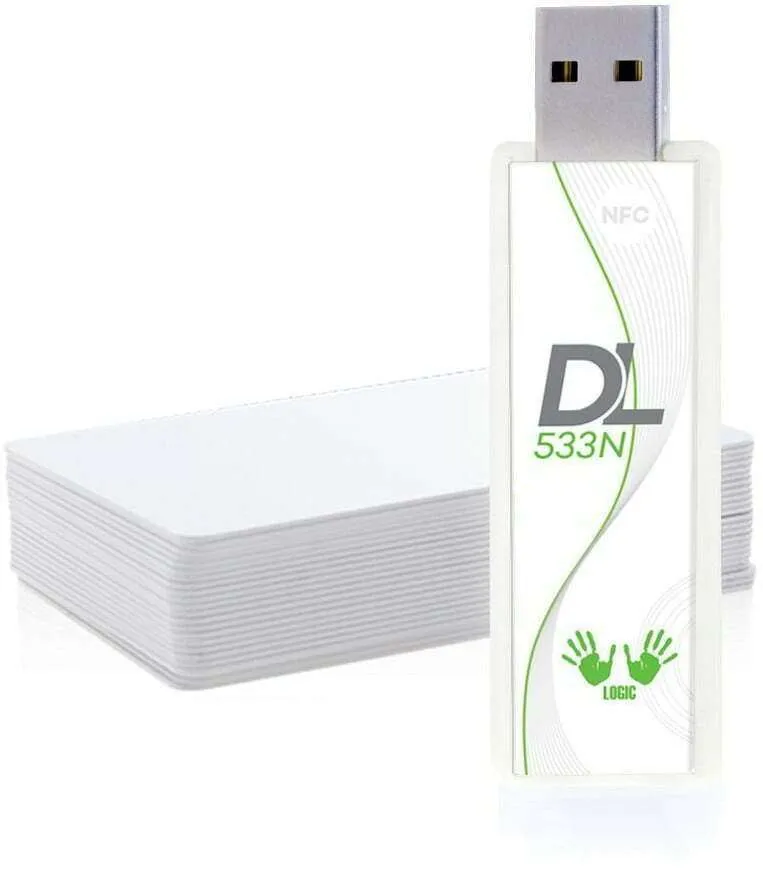
DL533N
A USB NFC reader writer for projects built on the open-source libNFC stack.
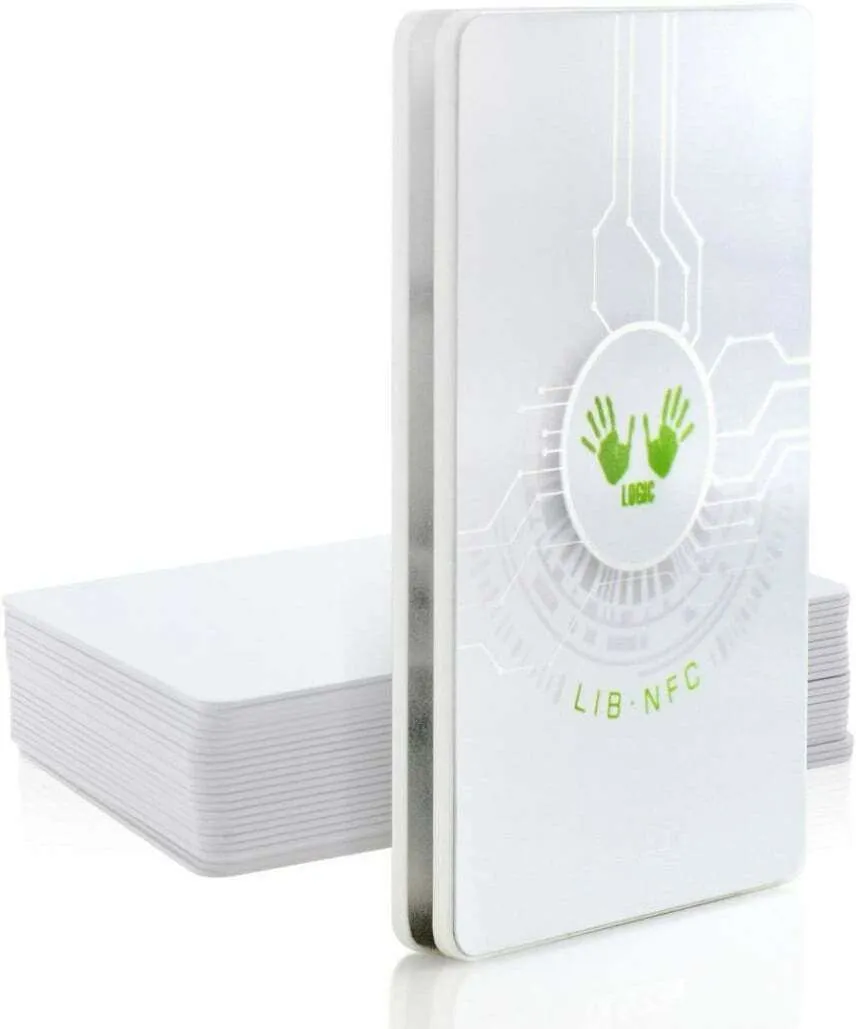
DL533N
A card-size USB reader writer for applications built around libNFC.
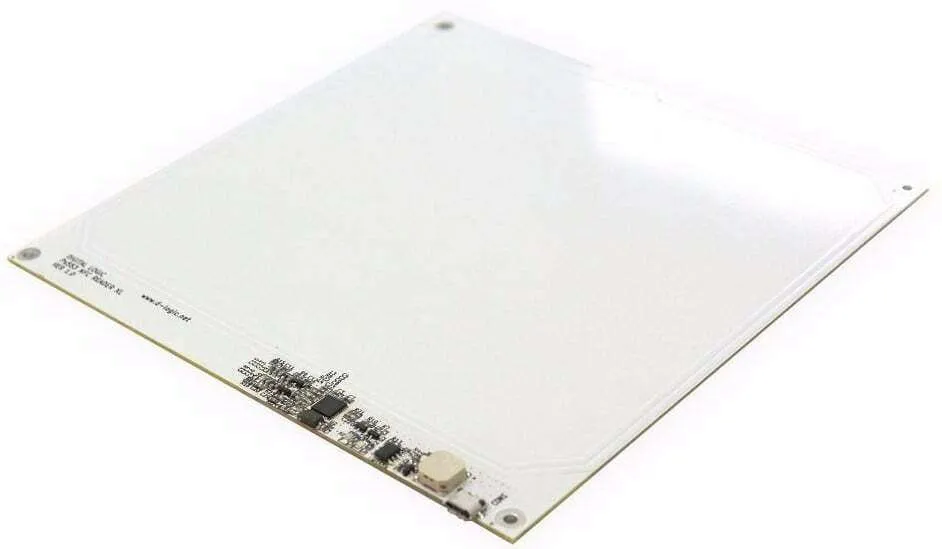
DL533N
An XL OEM USB module for embedded installations using libNFC.
MAKE THE INQUIRY SPECIFIC
No. Match the reader and transport to the library’s supported driver path, then verify the required card operation.
It confirms one part of the connection. Sample acceptance should also run the intended card operation and recovery workflow.
Tell us your card type, platform and quantity. We’ll help narrow the options.