Operation and permissions
Identify what must be read or written and whether the project has the necessary keys or application credentials. Include a sample card and repeatable operation.
SDK / API / INTEGRATION PATH
Use this route for a custom application built around the manufacturer SDK or API. Local µFR models and Online variants use different software and connection paths; evaluate the required API, card and firmware together.
See the matching modelsDEFINE THE APPLICATION
Describe the job more precisely than “read NFC”. A card identifier, NDEF record, memory block and authenticated application are different operations. Begin with the card model and desired result. Then match the host library and connection before comparing enclosures or antenna formats.
Identify what must be read or written and whether the project has the necessary keys or application credentials. Include a sample card and repeatable operation.
Name your operating system, CPU architecture and programming language. Evaluate the manufacturer library or network API examples in that target environment.
USB, serial and network options depend on the ordered model. An interface listed for a family does not mean every finished unit exposes all connectors.
PROJECT REQUIREMENTS
Define the card operation and environment before comparing SDK readers, then plan a sample evaluation.
Illustrative requirement
A requirement example, not a device test or compatibility result.
Separate UID, NDEF, memory and authenticated application tasks. Identify the exact card and its access conditions.
Match the library, firmware and host architecture. Specify local USB or a network API before selecting a configuration.
Record the expected data, API result and read-back checks. Use authorized samples and agree what counts as acceptance.
Describe your project and unknowns. Keep passwords, production keys and customer data out of the inquiry.
THE HARDWARE
Protocols and connections depend on the selected configuration. Review the model details.
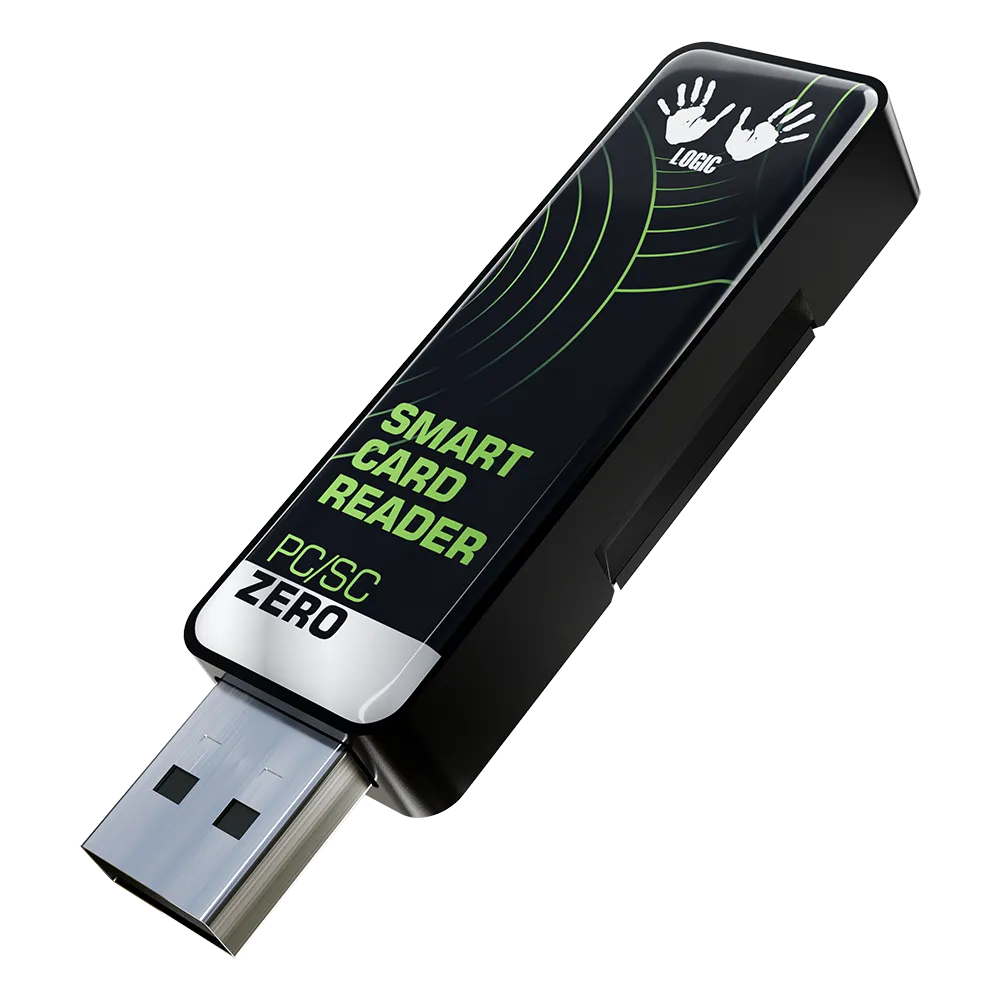
PR SDK
A compact USB reader writer for applications built with the manufacturer SDK.
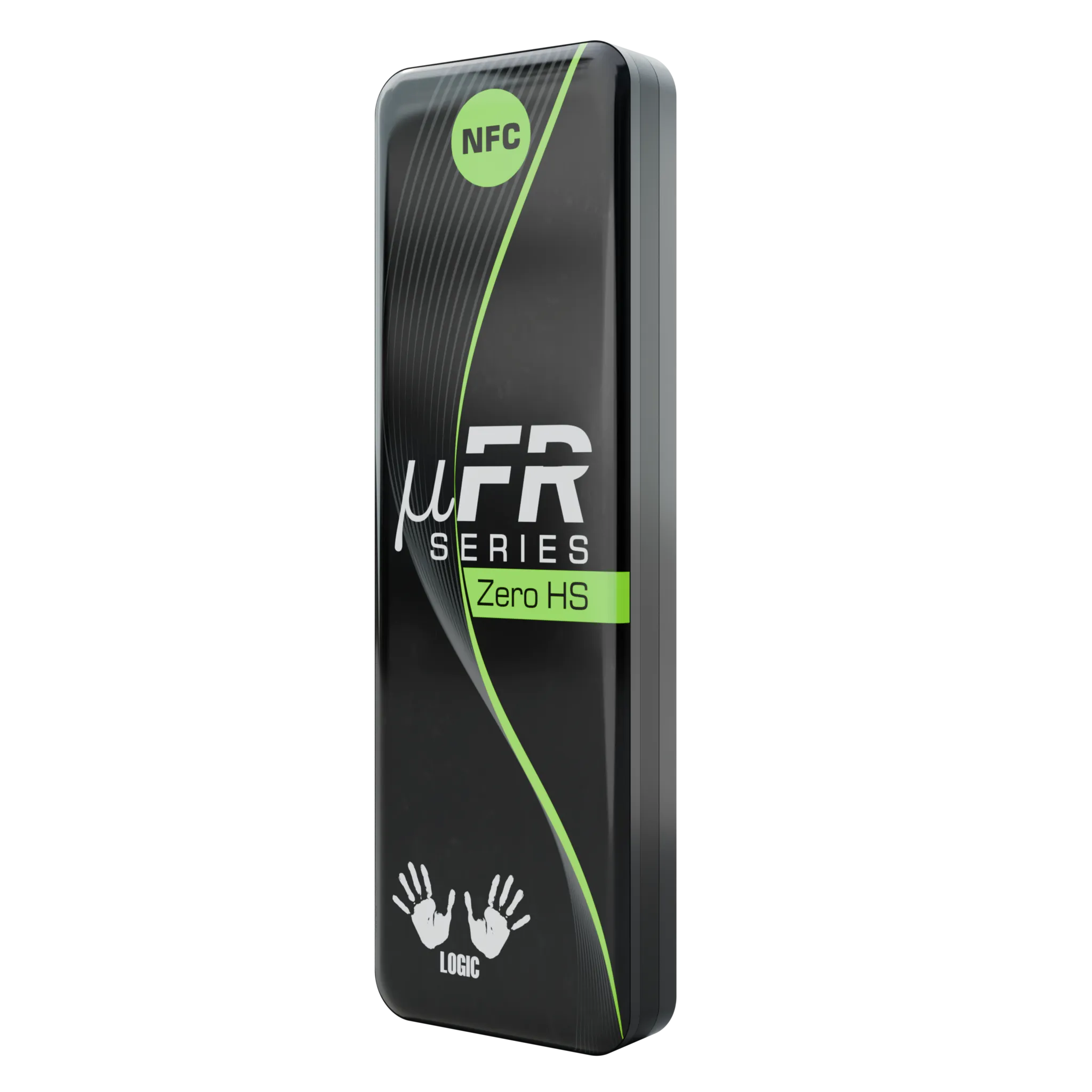
PR SDK
A USB NFC reader writer for SDK-based desktop and equipment integrations.
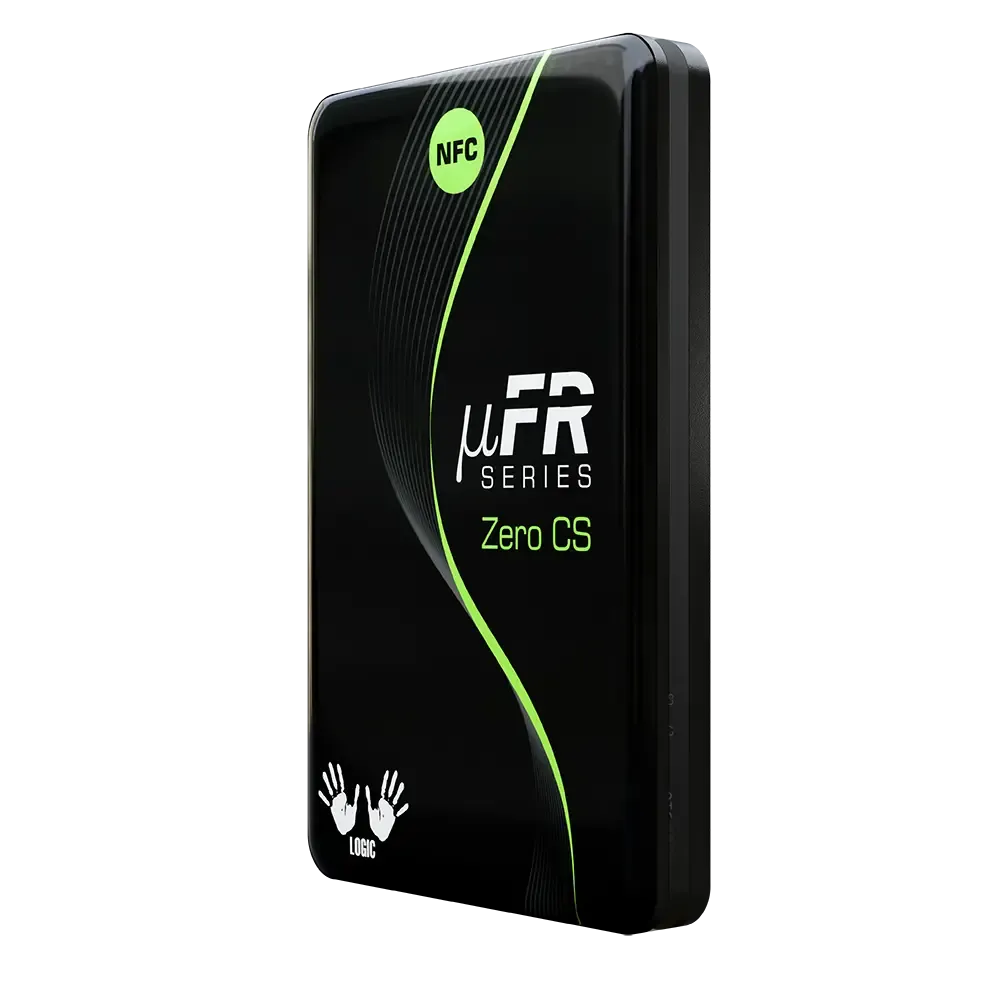
PR SDK
A card-size NFC reader writer with connection options for custom integrations.
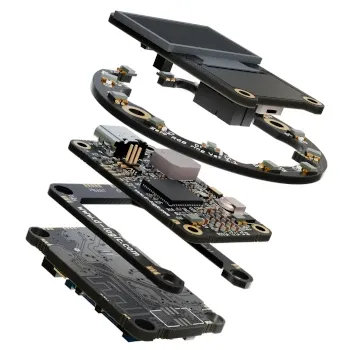
PR SDK
A large-antenna OEM module to evaluate in the finished equipment enclosure.
PR SDK
A compact USB NFC reader writer for applications using the manufacturer SDK.
PR SDK
The USB Round configuration with OLED display for custom NFC applications.
MAKE THE INQUIRY SPECIFIC
A keyboard reader supplies a card identifier. Choose a reader writer and suitable software path when the task requires card data access or writing.
A practical evaluation checks the card, operation, host library and hardware together. Confirm the software path before committing the installation design.
Tell us your card type, platform and quantity. We’ll help narrow the options.