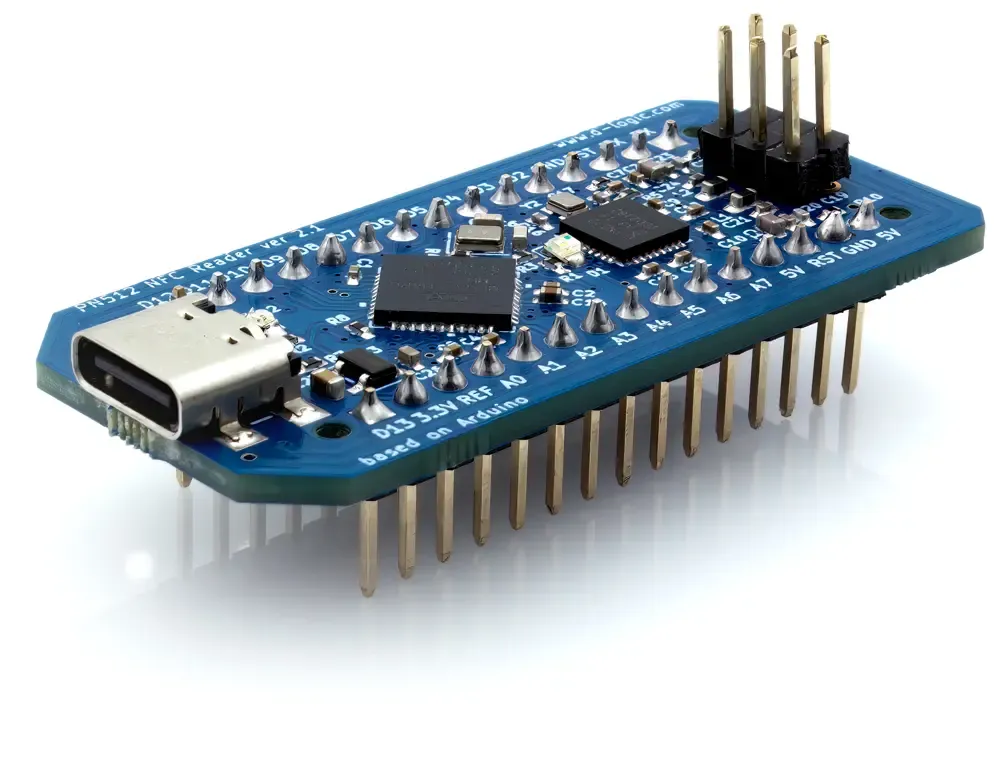
Board and connection
Confirm the development platform and actual pin or USB connection. Use the manufacturer’s current documentation for the selected board.
DEVELOPMENT / PROTOTYPE / INTEGRATION PATH
A development board is a starting point for testing software and card operations. Match the board connection and supplied library to the prototype, then plan how the working design will become a finished product.
See the matching modelsDEFINE THE APPLICATION
Keep prototype success separate from the requirements of a deployed unit. Record the board, library, card and example program used during evaluation. Before production, revisit enclosure, power, connection, servicing and the application’s recovery behavior. An Arduino-oriented board and a host PC reader serve different integration paths.
Confirm the development platform and actual pin or USB connection. Use the manufacturer’s current documentation for the selected board.
Run the relevant library example with the intended card, then replace it with the project’s required operation and data handling.
Identify which parts of the prototype will remain in the final device. Revalidate mechanics, cabling and host behavior with that configuration.
THE HARDWARE
Protocols and connections depend on the selected configuration. Review the model details.
MAKE THE INQUIRY SPECIFIC
A board must be evaluated for its power, connection, software and mechanical requirements. The finished installation needs its own acceptance test.
They target different environments. Select the software path for the platform running your application.
Tell us your card type, platform and quantity. We’ll help narrow the options.