A sample evaluation should record the reader, card, software and result. “It reads our card” leaves purchasing questions open. Keep failures alongside successful runs before approving a configuration. This checklist is editorial procurement guidance, not measured results for these models.
Freeze the sample configuration
Record the manufacturer’s order code, connector, enclosure or OEM board, firmware tier and version. Clarify incomplete labels; a website catalogue reference should not silently become the manufacturer’s SKU.
Use real deployment cards. Record the card/chip part number, known revision, form factor and required operation. Mark unknowns “to be confirmed”: a logo or readable UID does not identify every capability. Keep sample identification separate from personal records.
Capture the OS/build, CPU architecture, application, driver/service and library versions, connection and power. Save the test program version and settings for reproduction. Change one variable at a time.
Follow the software path you will deploy
Start with the reader finder or software-path comparison, then complete the applicable row:
| Path | What to record and exercise |
|---|---|
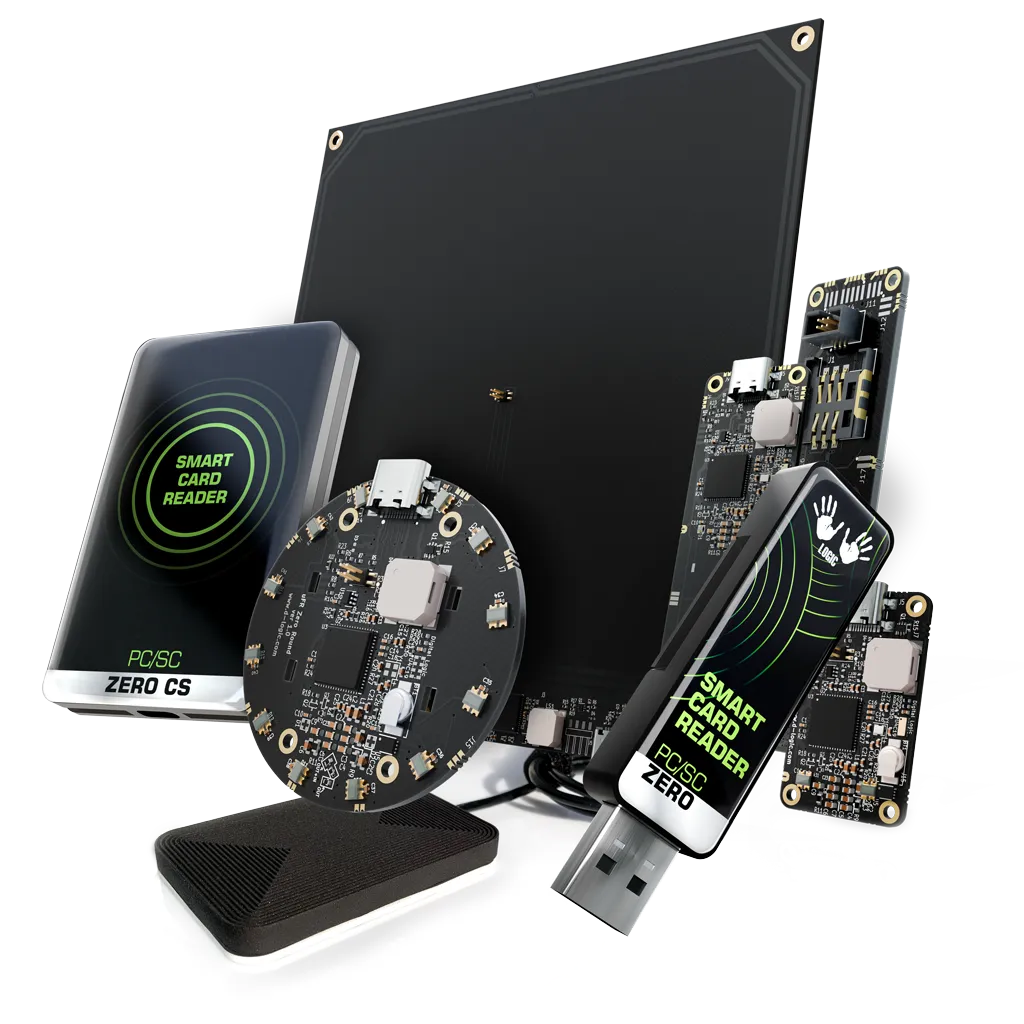
| PC/SC | For PC/SC Zero CS USB Standard, record reader discovery, host smart-card stack and the actual application command/response sequence. Keep Standard and Lite configurations distinct. |
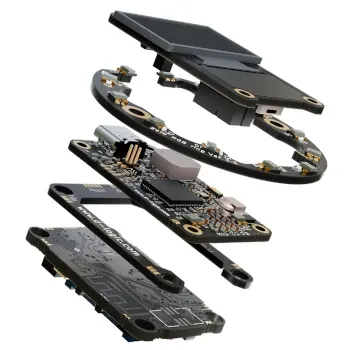
| Manufacturer SDK | For µFR Zero XL OEM, record the selected connection, firmware, loaded library and required API calls. Use the official uFCoder API reference for the relevant operation. |
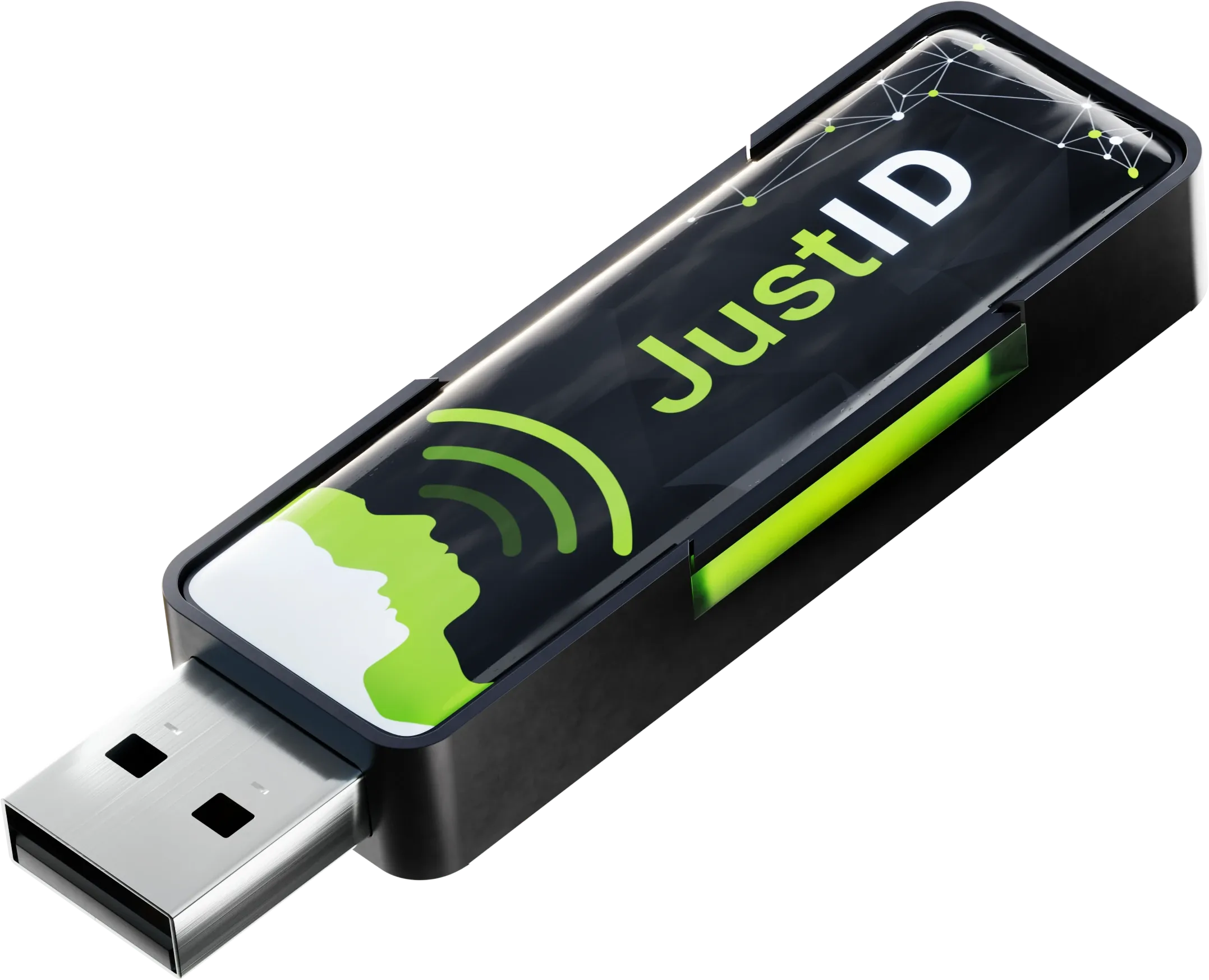
| UID keyboard | For JustID, verify the target field, keyboard layout, number representation, leading zeros, prefix/suffix and focus changes. Its official documentation describes UID keyboard output. |
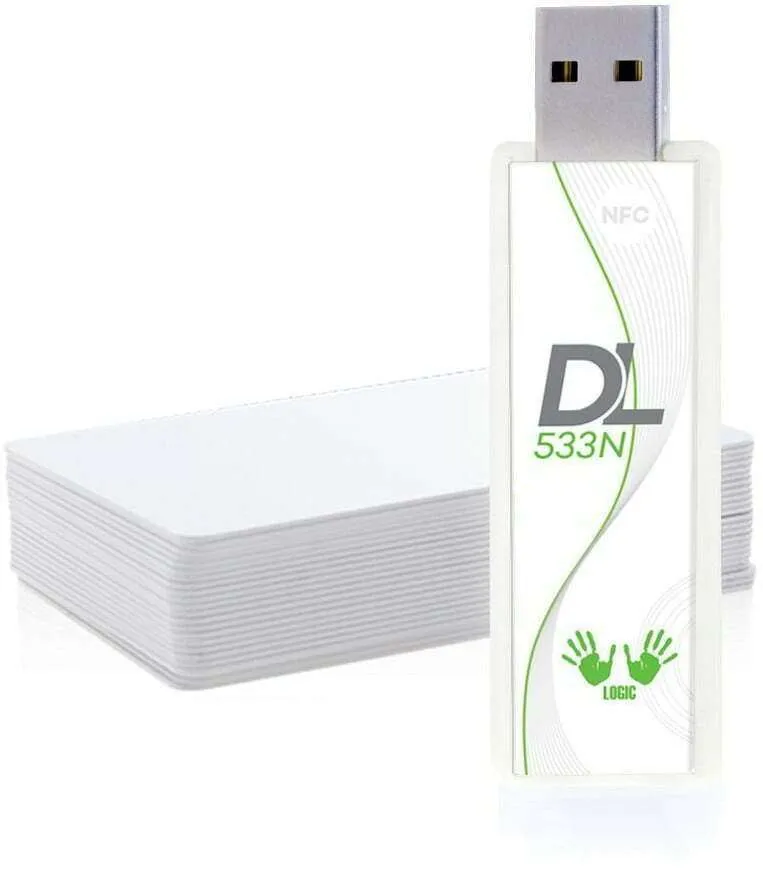
| libNFC | For DL533N USB, record the library build, enabled driver, connection configuration and permissions. The manufacturer explicitly separates DL533N from the µFR SDK. |
| Network | For an Online Ethernet configuration, record the actual transport, selected firmware, API mode and receiving application. Confirm included connectors and features against the chosen unit. |
The libNFC project documentation explains driver selection and device configuration. Discovery is a connection check; acceptance also requires the intended card operation to finish correctly.
Repeat the operator’s real card sequence
Define the expected result before starting: the correct identifier in a field, the required response from a card application, or a verified write to a designated test tag. Use cards and data authorized for that test.
Present a card, remove it, present it again, then alternate cards. Record dwell/removal conditions, planned trial count, completed operations, missing or duplicate events and errors. Check keyboard output after focus changes. After a write, verify the intended data; discovery or a status light is insufficient.
Agree acceptance limits before running the sequence. Report observations and trial counts rather than a universal success rate. Keep a reproducible failure case and redacted log.
Test recovery where it applies
For a local host connection, repeat after reconnecting the reader and restarting the host/application. Record whether detection, settings and the next card operation recover, and what operator action is needed.
For a network deployment only, interrupt and restore connectivity, then restart the reader. Compare reader-side observations with received events. Record loss, duplicates and ordering; do not assume offline storage or replay. The Online documentation distinguishes connectivity and firmware modes; confirm the selected configuration.
Repeat behind the final panel
For an OEM installation, use the current drawing and confirmed electrical requirements. Record panel material and thickness, antenna position, mounting, cable routing, power and nearby equipment. The µFR Zero XL listing identifies an OEM unit without housing; a bench placement does not represent the finished enclosure. Repeat the card sequence in the intended presentation position, without adopting a catalogue distance as a guaranteed installation result.
Keep one acceptance sheet
This blank worksheet contains no project measurements:
| Acceptance item | Expected result | Observed result / evidence | Decision |
|---|---|---|---|
| Exact SKU, firmware and host baseline | To be agreed | To be filled | Pending |
| Each card and intended operation | To be agreed | To be filled | Pending |
| Repeated presentation and recovery | To be agreed | To be filled | Pending |
| Network recovery, if applicable | To be agreed / not applicable | To be filled | Pending |
| Final panel and OEM installation | To be agreed / not applicable | To be filled | Pending |
Retest affected rows after configuration changes. Send the configuration, cards, operation and open questions with a PC/SC sample inquiry or OEM sample inquiry. Sample availability and commercial terms require a quotation.
Sources and scope
Official references checked on 1 October 2026: PC/SC Zero configurations, the software/product documentation linked above, and libNFC’s project documentation. The worksheet records your own evaluation; it is not a product benchmark or a compatibility guarantee.
Questions to consider
Is reading a UID enough to approve card-data access?
No. Record UID output and the required card-data operation separately. Test protected application data only with the project's authorized credentials and intended software.
Must every sample test include a network outage?
Only when the selected deployment uses a network connection. Confirm the exact firmware and expected offline behaviour; do not assume buffering or replay is included.
Can a desktop test approve an OEM installation?
A desktop result covers that setup. Repeat the agreed checks with the final panel, mounting, power and nearby equipment before accepting the installed configuration.