D-Logic hardware · Independent distribution & integrationThe right interface. The right reader.

D-Logic / PR UID

PR-301

Manufacturer model reference

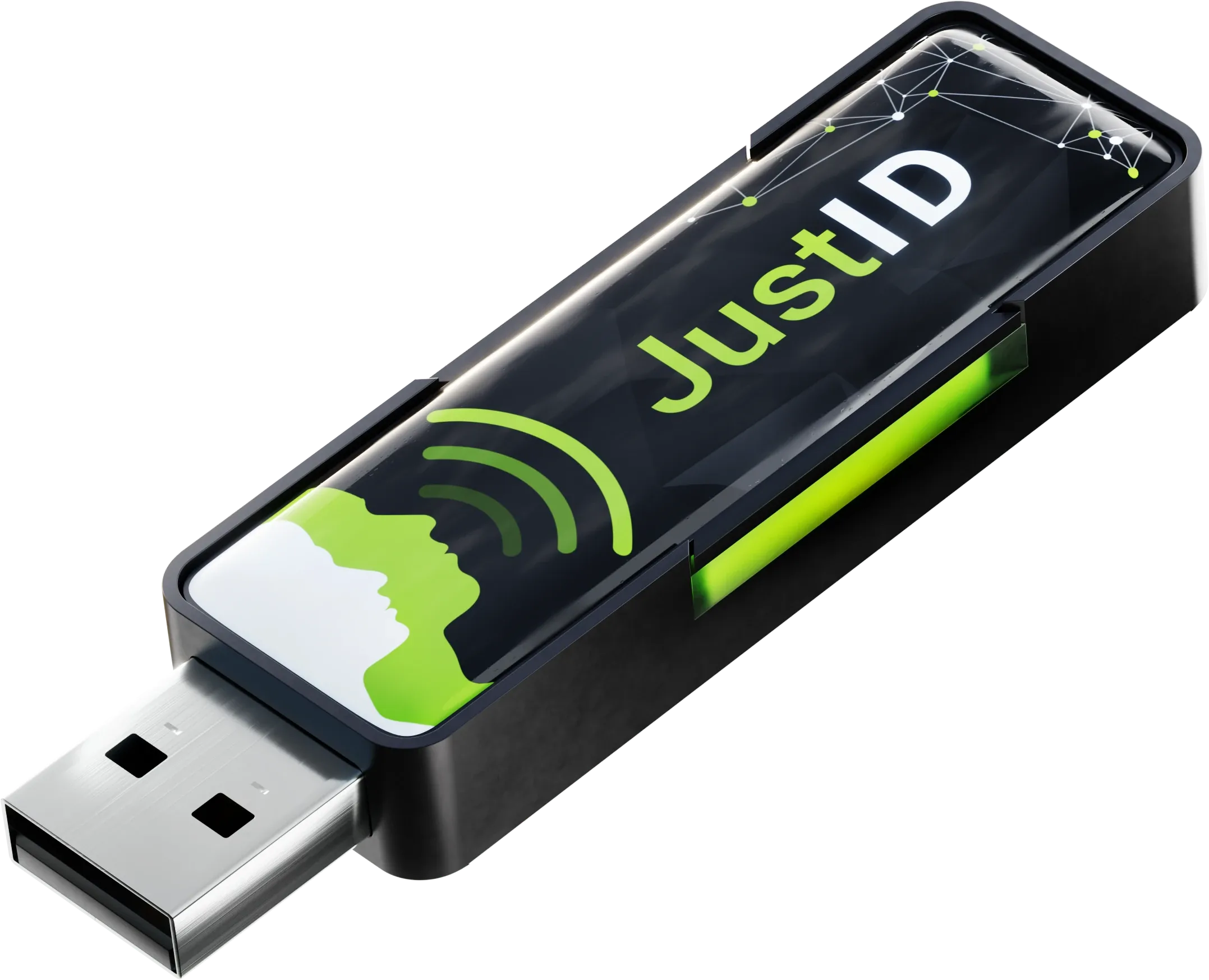
JustID USB Dongle

PR numbers are NFCDock catalogue numbers; manufacturer models help match technical documentation.

A card-number reader that can type the UID into an existing application field.

USB13.56 MHz HF

A quote for your project

Share your quantity, card type and target platform. Configuration and availability are confirmed with your quote.

Request a quote Chat on WhatsAppSee the specifications

Check this configuration

  • Lite reads ISO/IEC 14443 A/B UID; Standard adds ISO/IEC 15693 UID.
  • Formatting, prefix and suffix must match the receiving software.
Ask about this configuration

Where it fits

  • Card-number entry into spreadsheets
  • Attendance and reception input workflows
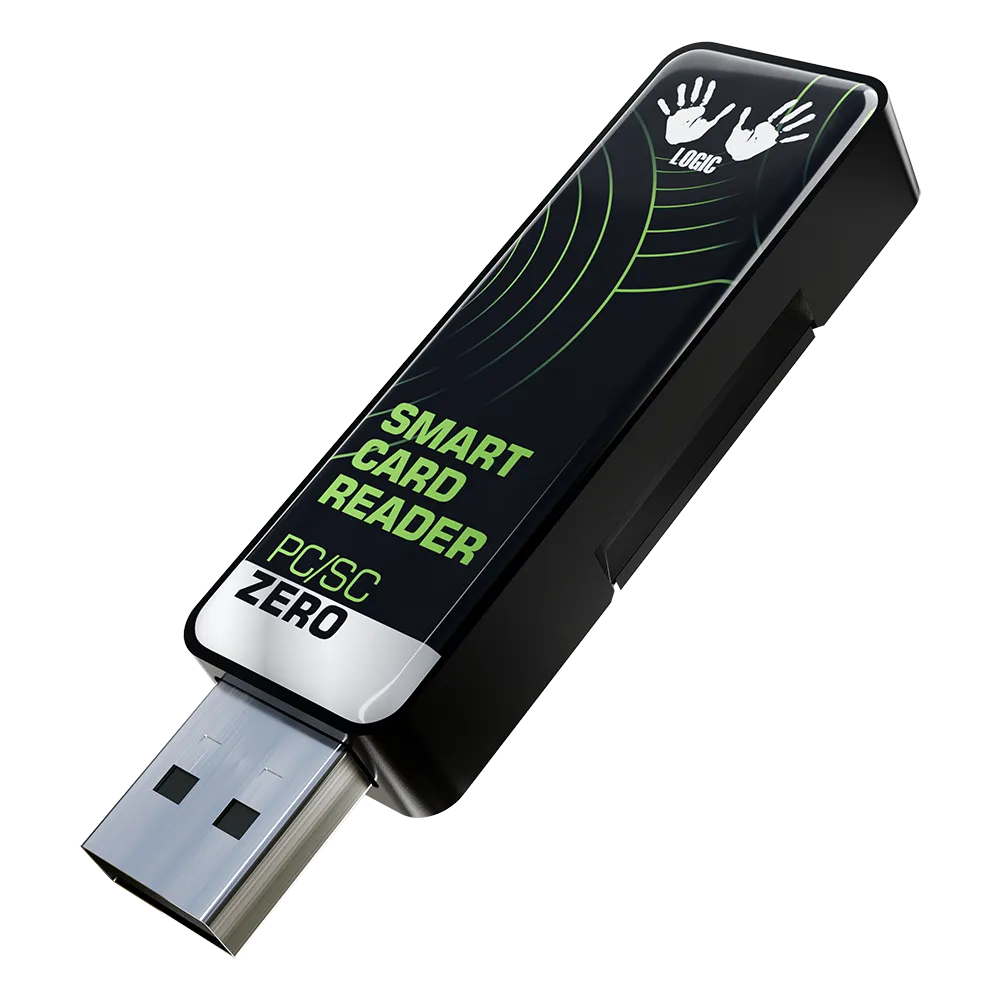
UID keyboard readers PR-301 USB Dongle manufacturer product photographD-Logic / PR-301

THE DETAILS

Interfaces & specifications

Integration

Frequency13.56 MHz
ConnectionUSB
Card standardsISO/IEC 14443 A/B; ISO/IEC 15693 with Standard firmware
Software pathUSB HID keyboard / CDC ACM serial output
Main workflowCard UID input
ConfigurationUSB dongle; firmware tier selected separately

Source: Manufacturer model information · Checked 2026-10-01

Software & technical references

PR-301 / UID keyboard input

Check firmware tier, UID format, keyboard layout and the target field. UID output does not provide general card-data read/write access.

Links reviewed: . Links open external manufacturer or project websites. Source documentation may be in English. Check the current release, licence and model support at the source before installing or updating software.

PR-301 sample planning

Confirm the delivered PR-301 configuration

Match firmware tier and output mode to your cards and software. Include these choices in the sample request and quotation.

Illustrative sample request

Evaluate a PR-301 keyboard workflow

Proposed sample
PR-301 Lite, HID keyboard output and an ISO/IEC 14443 A/B sample card.
Test environment
Use your OS, keyboard layout and actual form or spreadsheet.
Requested input
Illustrative target: "00123456"; verify the UID representation and any final Enter/Tab.

Illustrative request, not a tested configuration or measured UID output. Confirm firmware and formatting options before ordering a sample.

Record the sample acceptance evidence

  1. Card and firmware tier

    Lite reads ISO/IEC 14443 A/B UIDs; Standard adds ISO/IEC 15693 UIDs. Identify the card and confirm the delivered tier.

  2. Output and stored value

    Choose HID keyboard or CDC ACM serial output. Verify format, prefix/suffix and saved value; confirm support for requested options.

  3. Complete input workflow

    Repeat tests after focus changes, card removal and USB reconnection. Record host, firmware, expected string and observations; UID input alone does not authenticate a card.

Prepare your PR-301 sample enquiry

Use your actual requirements. Do not include passwords or sensitive credentials; configuration and commercial terms require confirmation.

  • Host OS, application, keyboard layout and HID/CDC ACM receiver: ___
  • Card model/protocol, existing number reference and firmware tier: ___
  • Expected format, suffix and repeat/focus acceptance checks: ___
  • Sample/later quantities, destination and requested schedule: ___

INTEGRATION NOTES

Where it fits

Choose PR-301 when the task is to enter a card number into a field already used by your application. A keyboard-emulation workflow can reduce the need to write a custom reader integration.

Integration choices

The manufacturer describes USB HID keyboard output and CDC ACM serial output. Choose the firmware tier deliberately: Lite covers ISO/IEC 14443 A/B UID, while Standard adds ISO/IEC 15693 UID. A successful UID read does not by itself prove that a card is genuine or authorized.

  • Lite reads ISO/IEC 14443 A/B UID; Standard adds ISO/IEC 15693 UID.
  • Formatting, prefix and suffix must match the receiving software.

Prepare a quotation

Send the exact card or tag, host operating system, receiving application and quantity. Specify the required firmware tier, HID keyboard or CDC ACM output, and expected UID format, prefixes and suffixes. Include how the application should receive the card number so the output can be checked with a sample card. We confirm the selected configuration and commercial terms before an order.

Request a project quote

If two systems show different numbers for one card, compare the hexadecimal, decimal and byte-order examples before changing records. The examples are invented calculations, not reader measurements.

Manufacturer source

Official model information · Checked 2026-10-01.

Using Excel for card-ID input? Review leading zeros, text storage and CSV imports before the sample workflow test.

About this reader

Which cards can PR-301 Lite and Standard read?

PR-301 Lite reads UIDs from ISO/IEC 14443 A/B cards. Standard also reads ISO/IEC 15693 UIDs. Specify the firmware tier and exact card or tag in your inquiry.

How do HID keyboard and CDC ACM outputs differ?

HID keyboard output enters the UID into the selected text field. CDC ACM sends the UID to a virtual serial port for software that receives serial data. Match the output mode to your application and verify it on the intended host.

Does reading a UID authenticate a card or authorize its holder?

No. Reading a UID alone does not prove that the card is genuine or that its holder is authorized. Required card authentication and application authorization must be evaluated separately from card-number input.

What should I check about UID format, prefixes and suffixes?

Identify the UID format, prefix and suffix expected by the receiving software. Confirm the available options for the selected firmware and configuration, then test a sample card in the target application. Not every requested format can be assumed to be supported.

What should I include in a PR-301 quotation request?

Send the exact card or tag, host operating system, target application, required firmware tier and output mode, expected UID format, prefixes and suffixes, and quantity. The selected configuration and commercial terms still require confirmation in the quotation.

How are price and delivery confirmed?

A quotation confirms the selected configuration, price, delivery terms and required compliance documents for your order.
Related selection guides

NFC Reader Compatibility: NTAG, DESFire and ICODE NFC Reader Sample Test Checklist: Cards, Software and Installation NFC UID Keyboard Readers: A Procurement Checklist NFC Card ID Entry for Forms and Spreadsheets
LET’S FIND YOUR FIT

A reader for your project, not the other way around.

Tell us your card type, platform and quantity. We’ll help narrow the options.

Tell us about your project