Choosing a reader for an NTAG sticker, a DESFire card or an ICODE label starts with the data operation. Detecting a card, returning its UID and completing a read or write are separate test results. Specify which result your application needs before comparing devices.
Identify the exact chip and task
Ask your card supplier for the chip part number and version. The following protocol references come from NXP; the checks in the last column are our procurement guidance, not a reader compatibility guarantee.
| Card or tag | Protocol reference | What to specify for evaluation |
|---|---|---|
| NTAG213/215/216 | NFC Forum Type 2; ISO/IEC 14443 A | UID, NDEF or memory operation; payload size; write permissions |
| MIFARE DESFire EV3 | ISO/IEC 14443 A and 14443-4; ISO/IEC 7816-4 APDU | Application and file; permitted operation; authentication handled by your application |
| ICODE SLIX2 | NFC Forum Type 5; ISO/IEC 15693 | UID or block data; required commands; access conditions |
These examples do not describe every member of each family. “MIFARE” alone does not identify a chip or command set. Record the precise version and intended operation in the purchase specification.
Choose the reader’s software path
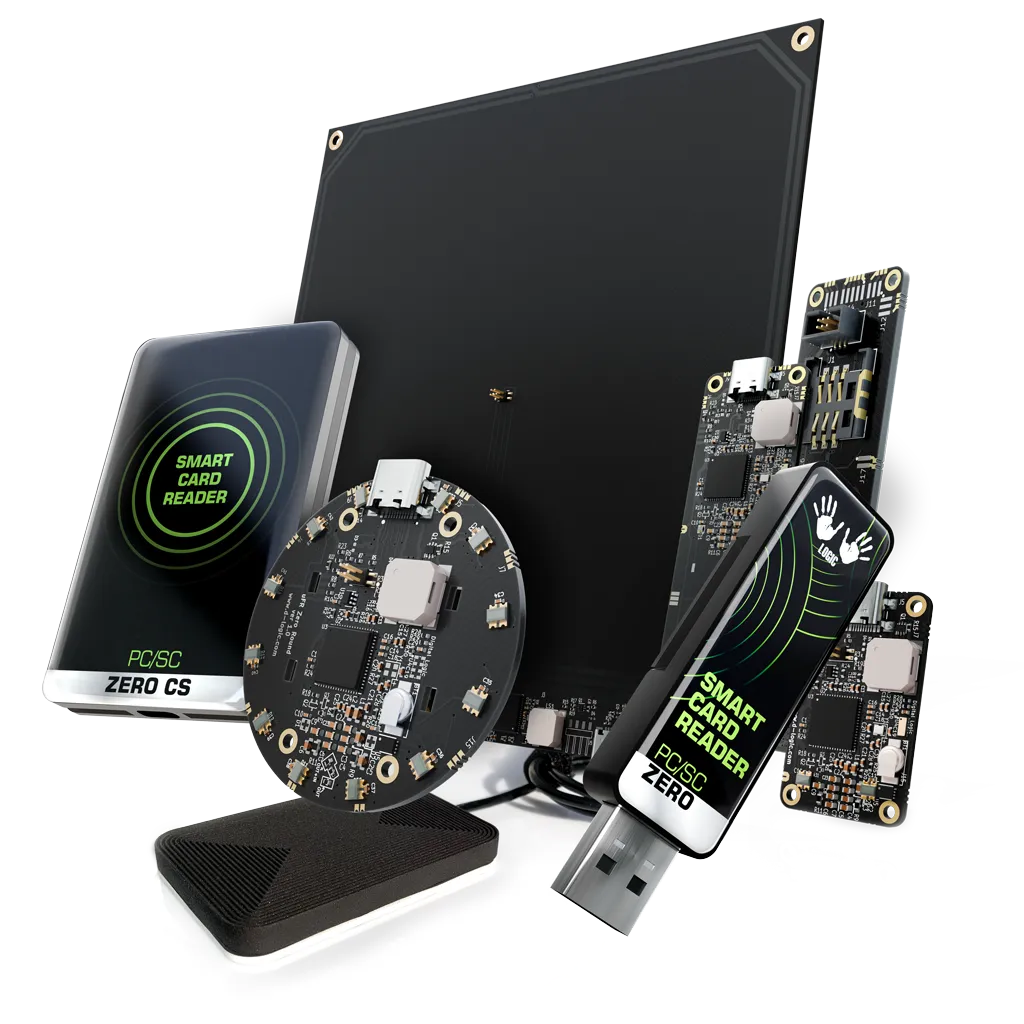
- For your own read/write application, evaluate the SDK path of µFR Zero USB Dongle. Confirm the required API calls against your sample card.
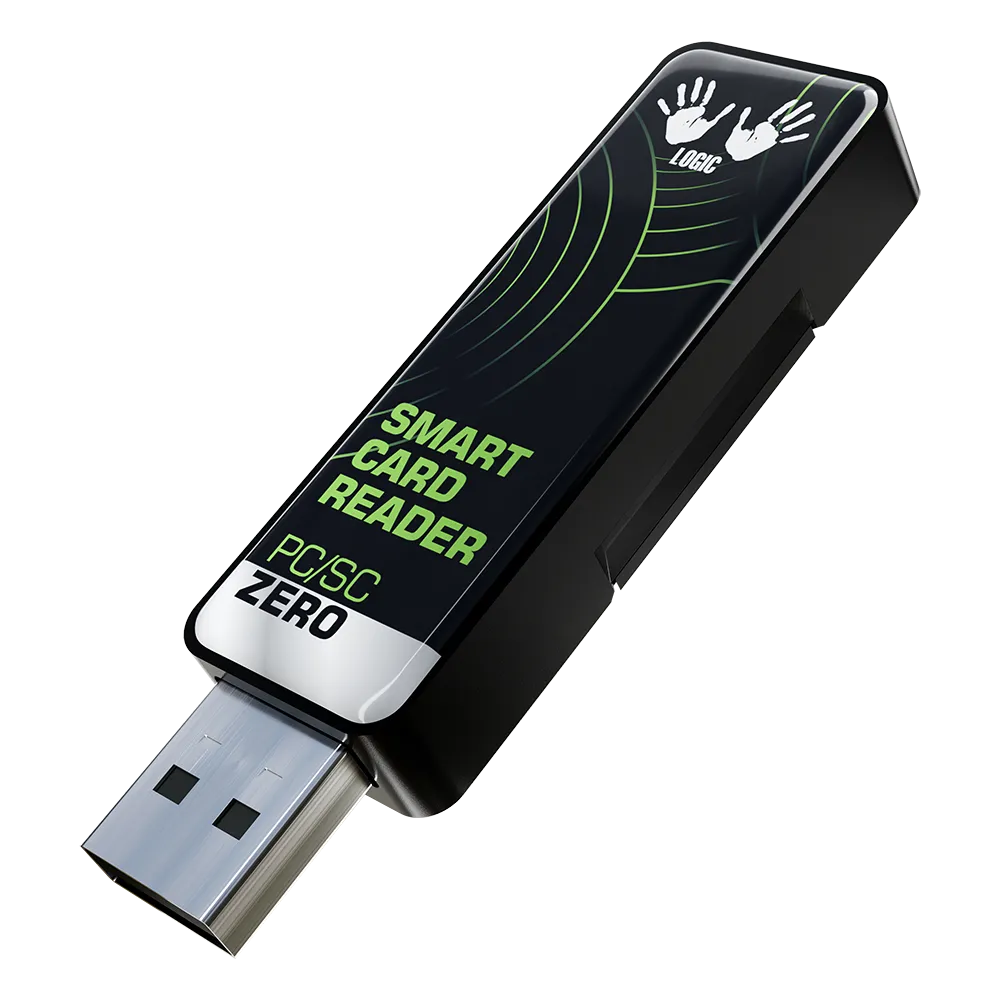
- For software already using PC/SC, evaluate PC/SC Zero Standard. For an ISO/IEC 15693 project, keep Standard explicit: the manufacturer excludes this standard from Lite.
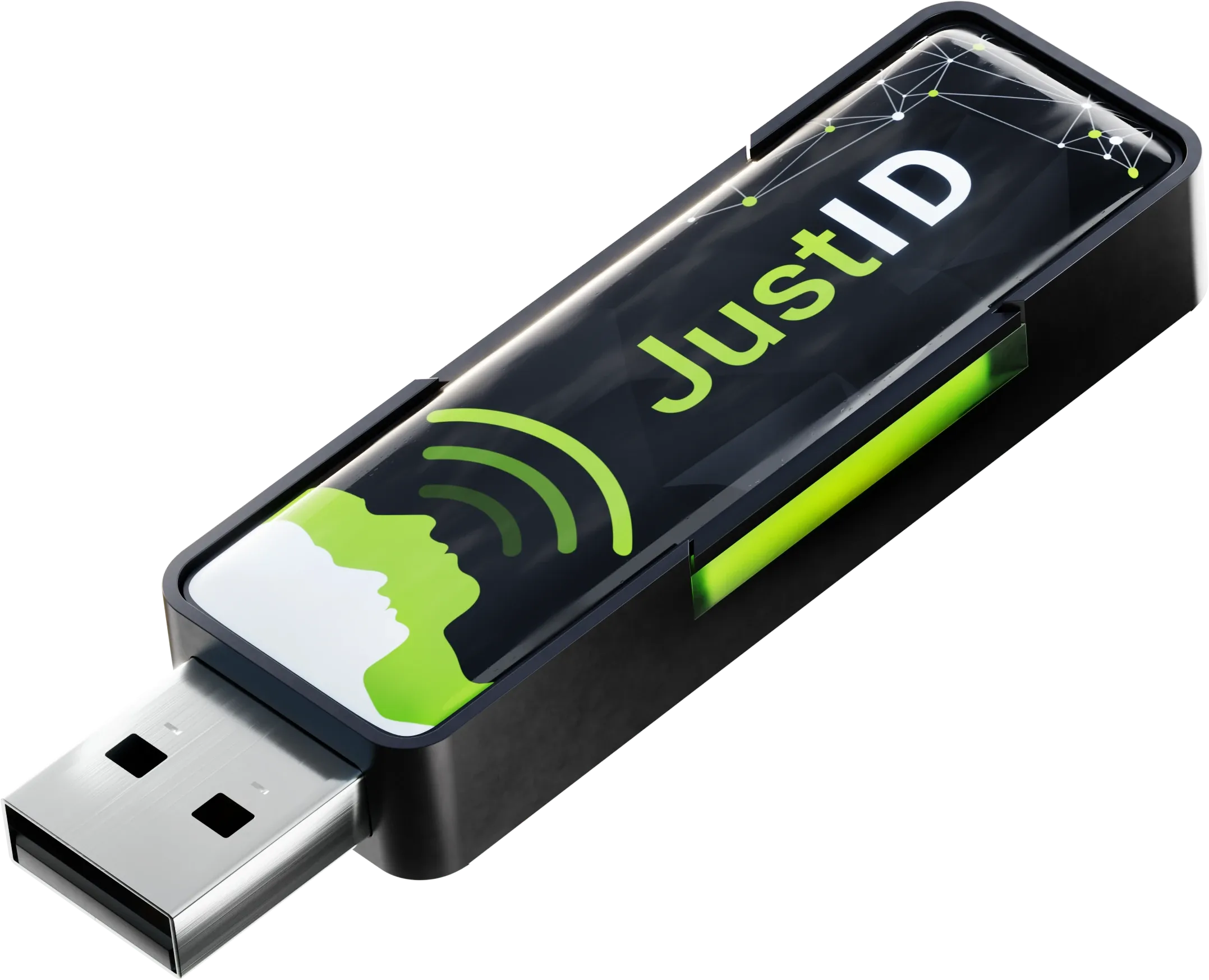
- For card-number input into a text field, evaluate JustID. Its Lite and Standard firmware tiers describe UID reading; Standard adds ISO/IEC 15693 UID. Specify that tier when needed.
A listed protocol is a reason to evaluate a configuration. It does not prove that your application implements the required commands, data format or permissions. Use the PC/SC, SDK and keyboard comparison to settle the software interface.
Separate identification from access to data
Successful UID input is not evidence that a reader can complete a protected application transaction. If your project needs application data, include the expected commands and access conditions in the test. Keep secret keys and customer credentials out of a public inquiry; describe the requirements and agree on an appropriate test setup separately.
For NDEF or memory writing, state the exact content to write and how you will verify it after removing and presenting the tag again. Use an authorized test sample and confirm its write permissions before changing data or protection settings.
Turn the requirement into an acceptance test
- Record the exact card chip, reader configuration, firmware, host OS and library version.
- Run the real operation with your application. Record detection, data access and output as separate results.
- Compare the result with your expected data; for writing, verify the result after presenting the sample again.
- Repeat in the intended mounting position and use the sample test checklist for reconnects and failure handling.
This is a test plan, not a laboratory result for these readers. Final compatibility needs evidence from the selected configuration and sample.
Send a useful compatibility inquiry
Include chip and version; UID/NDEF/file/block task; host OS; API or application; reader firmware; installation; prototype and later quantity. State which items are still unknown. Describe permissions without including keys.
Ask for selection advice, explore the tag read/write application path or review the USB reader buying checklist.
Sources and scope
Protocol references checked on 3 October 2026: NXP NTAG21x, NXP DESFire EV3 and NXP ICODE SLIX2. Reader references: µFR Zero, PC/SC Zero and JustID. The selection and test steps are editorial guidance. Confirm the exact configuration, software support and commercial terms for your project.