A USB connector is only one part of a reader specification. A procurement decision becomes much easier when the required card operation and existing software are written down first. Use the following sequence to create a short list and an acceptance test.
Start with the operation, not the connector
Write one concrete sentence: “Read the UID into an attendance form”, “Exchange APDUs with an existing smart-card application”, or “Write data to the supplied tags from our custom software”. These tasks can require different reader firmware even if all three devices connect by USB.
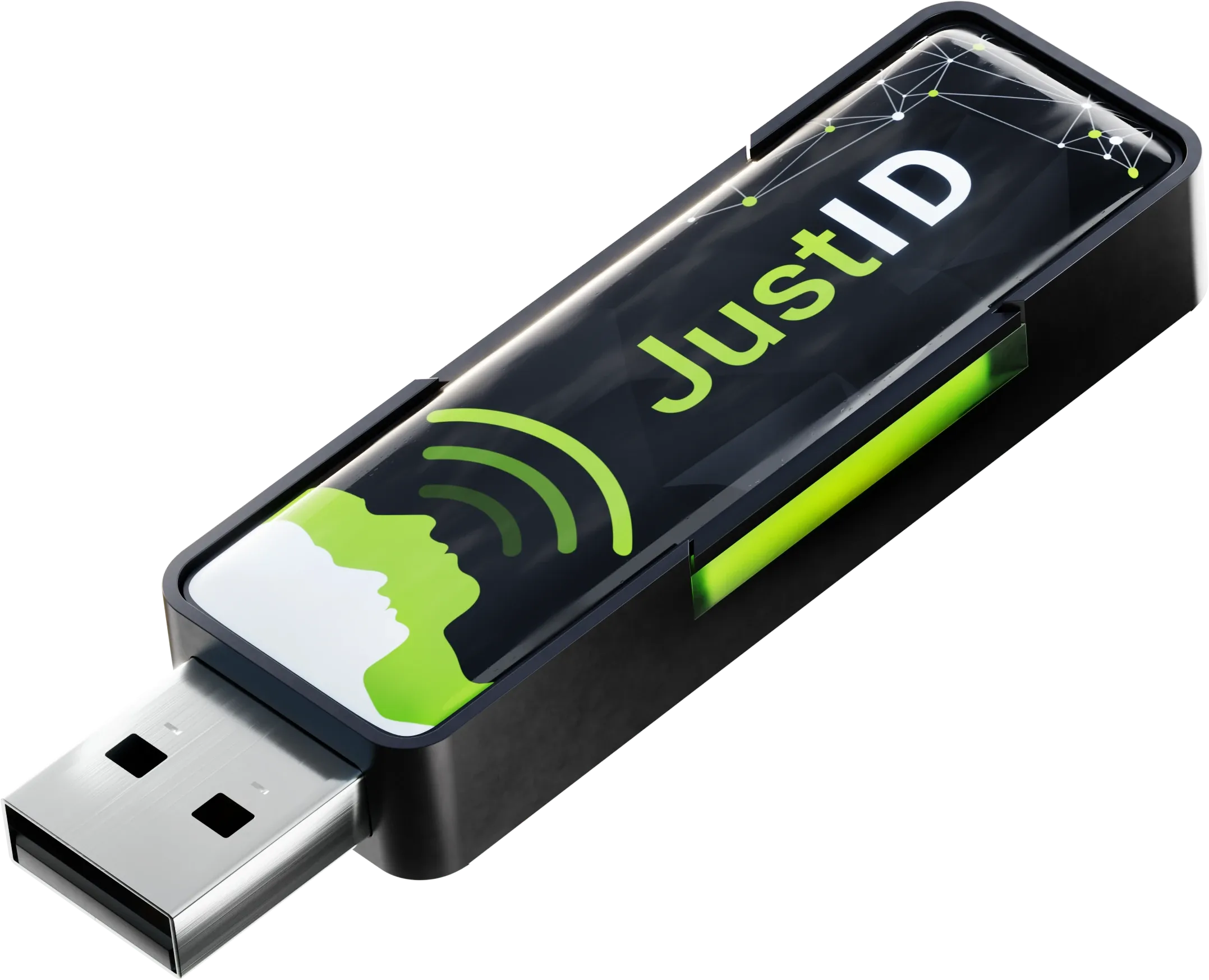
- For an existing text field, consider JustID and its HID keyboard workflow.
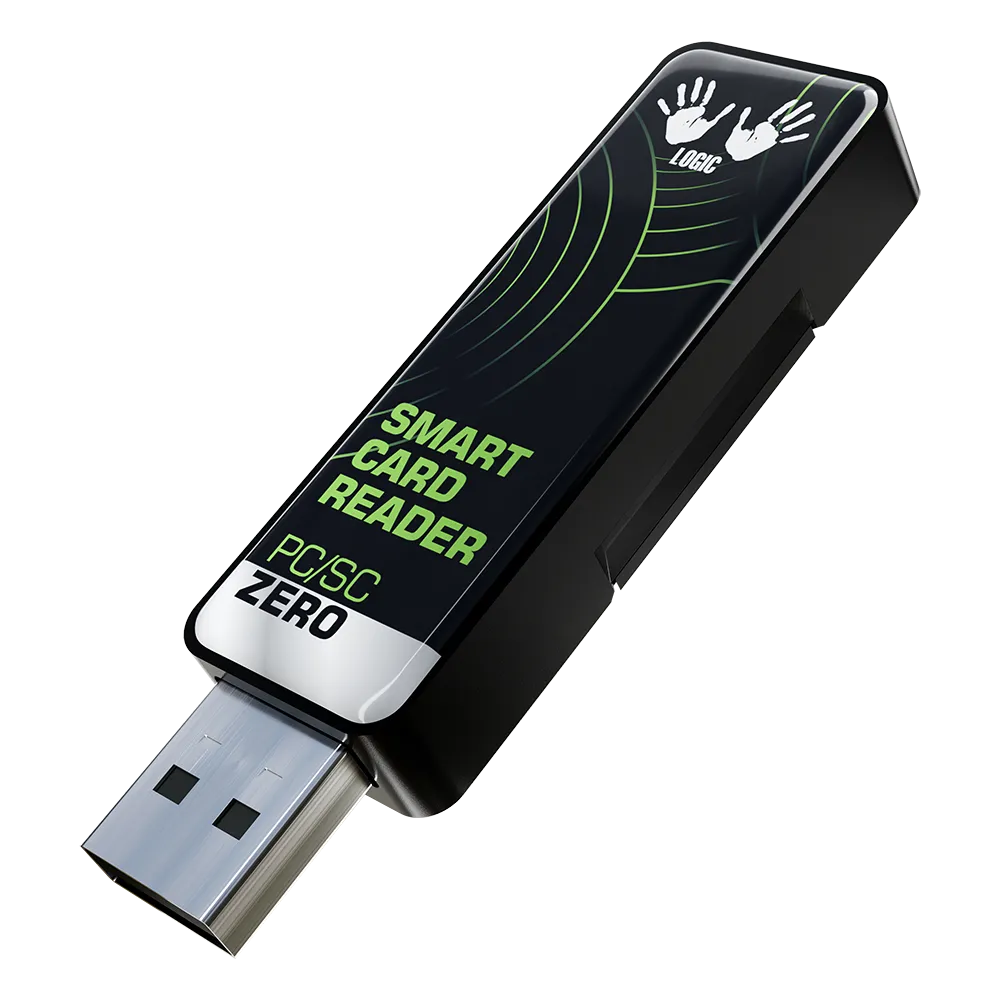
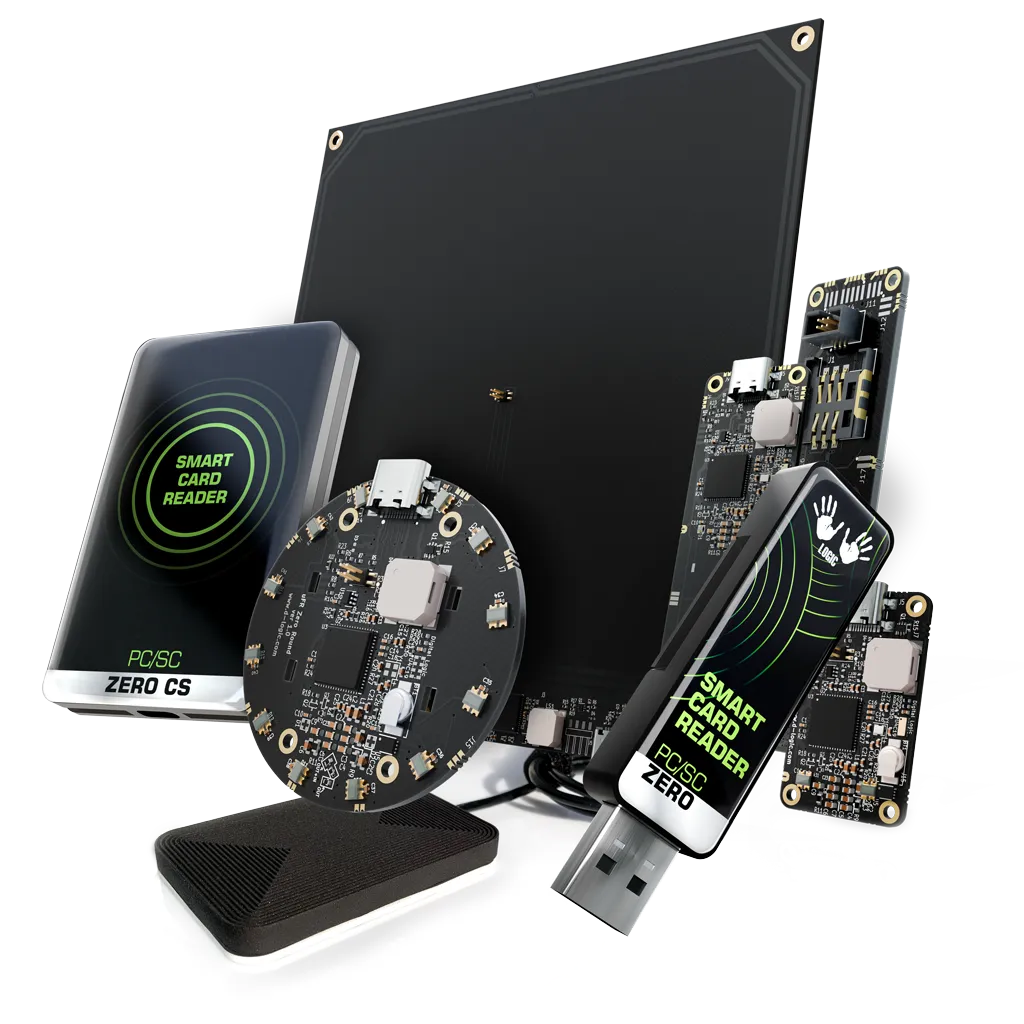
- For software that expects PC/SC, evaluate PC/SC Zero USB Dongle.
- For a custom application using the manufacturer API, evaluate µFR Zero USB Dongle.
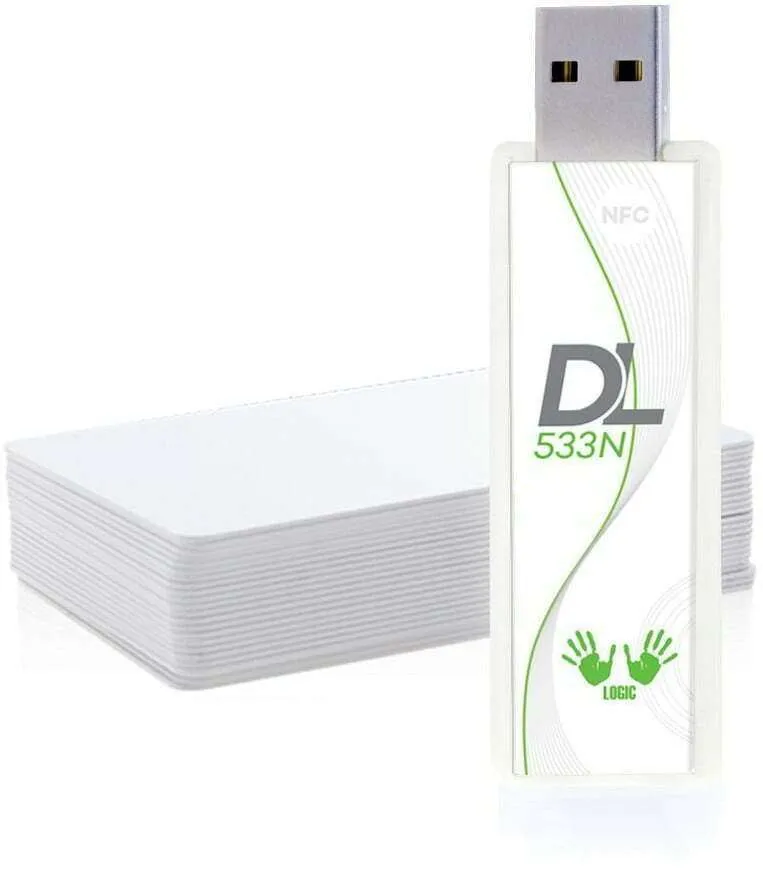
- For an existing libNFC application, evaluate DL533N. Its manufacturer explicitly distinguishes it from the µFR SDK.
This is a software shortlist, not a promise that a device will execute every operation on every card. The three-path comparison helps identify the integration choice.
Identify the actual card or tag
“An NFC card” is not a complete requirement. Supply the part number or a sample, the protocol, the data you need to access and any authentication that the application must perform. Reading an identifier and reading protected application data are separate acceptance criteria.
For ISO/IEC 15693 projects, check the exact firmware tier. The manufacturer states that PC/SC Zero Lite does not support ISO/IEC 15693, and JustID Standard adds its UID reading to the Lite feature set. Avoid approving a family name while leaving the variant unspecified. See the official PC/SC family information and JustID firmware tiers.
Define a sample test that mirrors deployment
Agree on a small, repeatable test before a bulk order:
- Connect the selected configuration to the intended OS and record the firmware and library versions.
- Run the real operation on every card type in your sample set.
- Test removal and presentation of a card, reconnecting USB and restarting the host.
- Check how the application handles multiple events and whether it needs a duplicate-event rule.
- Repeat the test in the final mounting position, with the actual cover and nearby equipment.
Record pass/fail behaviour rather than copying a published maximum distance into the acceptance criteria. Your application task, tags and installation are the relevant test conditions. This guide is a procurement method; it does not claim a laboratory test of these models.
Specify what is being ordered
A quotation should identify the finished device or OEM board, connector, firmware tier, optional modules and quantity. Ask for the current drawing and any compliance documents required by your project. Confirm price, delivery, supplied accessories and support scope in the quotation, rather than inferring them from the manufacturer catalog.
Send a brief that an engineer can act on
Use this template: card/tag; host OS; operation; existing software stack; interface; installation; prototype quantity; later quantity. A clear brief lets us ask useful follow-up questions and identify a configuration to evaluate.
Request a project quotation or continue with the UID keyboard reader guide.
Source and scope
Model facts checked on 1 October 2026 against µFR Zero’s official listing, PC/SC Zero, JustID and DL533N. The selection process is our editorial guidance; commercial terms and application compatibility need project-specific confirmation.
Questions to consider
Do all USB NFC readers use the same software?
No. USB is the connection. PC/SC, a manufacturer SDK, libNFC and HID keyboard output are different software paths.
What information makes a quote useful?
Provide the exact card, host OS, desired operation, software stack, interface, installation constraints and quantity.