D-Logic hardware · Independent distribution & integrationThe right interface. The right reader.

D-Logic / PR PC/SC

PR-201

Manufacturer model reference

PC/SC Zero USB Dongle

PR numbers are NFCDock catalogue numbers; manufacturer models help match technical documentation.

A USB CCID reader for applications that already use the PC/SC smart-card stack.

USB13.56 MHz HF

A quote for your project

Share your quantity, card type and target platform. Configuration and availability are confirmed with your quote.

Request a quote Chat on WhatsAppSee the specifications

Check this configuration

  • This page covers Standard; the manufacturer states Lite omits ISO/IEC 15693.
  • A recognised reader still needs application-level support for the intended card command.
Ask about this configuration

Where it fits

  • Existing PC/SC applications
  • Contactless smart-card and APDU workflows
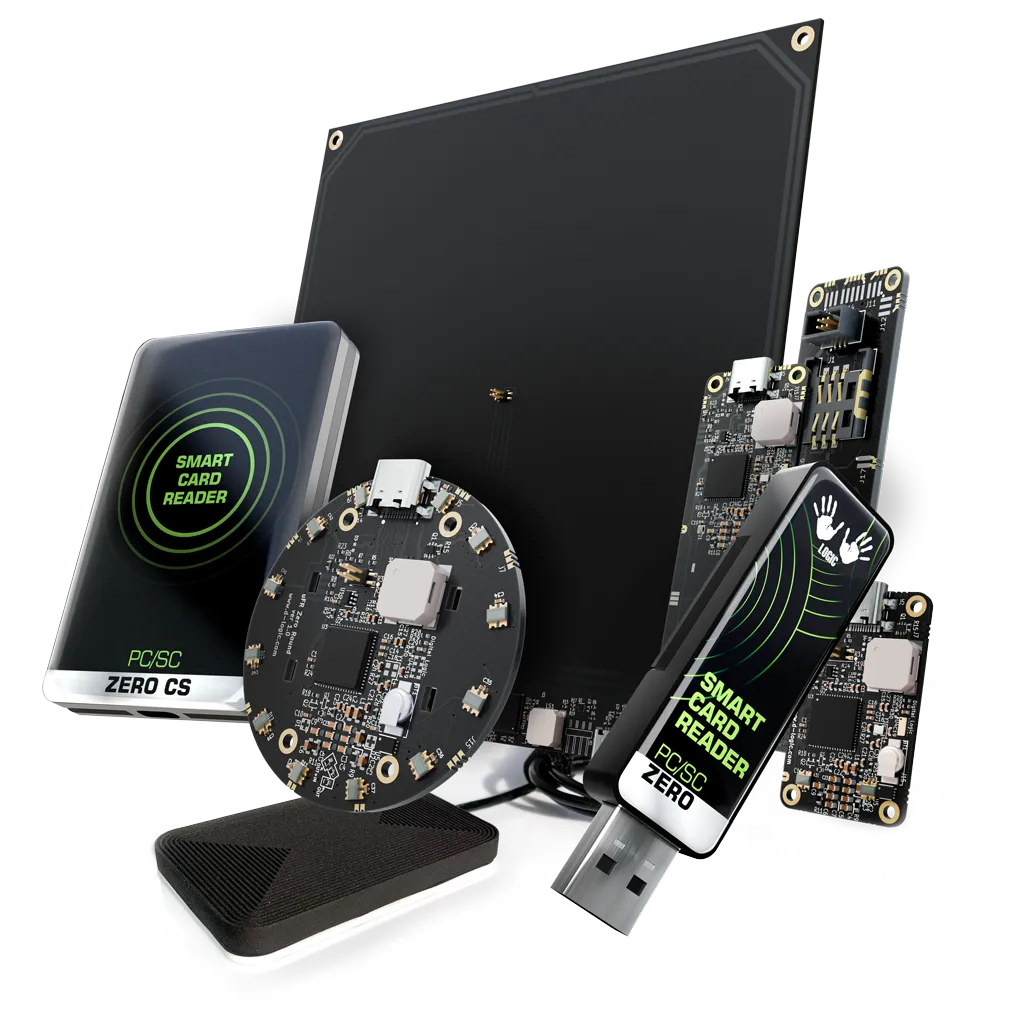
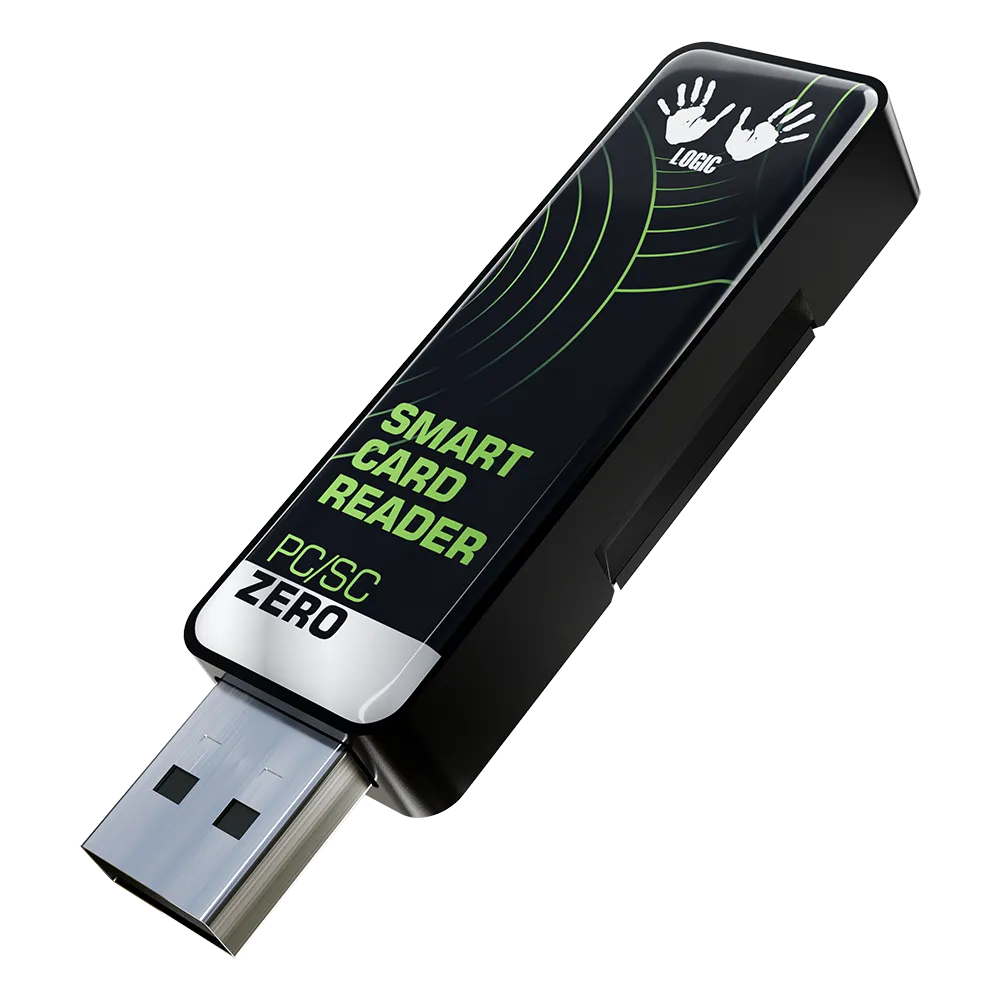
PC/SC readers PR PC/SC manufacturer series image; configuration may differSeries reference image. Confirm the exact enclosure for your model.

THE DETAILS

Interfaces & specifications

Integration

Frequency13.56 MHz
ConnectionUSB
Supported standardsISO/IEC 14443 A/B, ISO/IEC 15693, ISO/IEC 7816 APDU
Software pathPC/SC / APDU
Main workflowSmart-card host integration
ConfigurationUSB dongle; Standard configuration

Source: Manufacturer model information · Checked 2026-10-01

Software & technical references

PC/SC / APDU

Keep PR PC/SC Standard and Lite explicit; Lite excludes ISO/IEC 15693. Verify your host stack and required commands with the selected configuration.

Links reviewed: . Links open external manufacturer or project websites. Source documentation may be in English. Check the current release, licence and model support at the source before installing or updating software.

Model evaluation brief

Define acceptance for PR-201.

Evaluate Standard USB CCID with the actual card, host PC/SC software and required commands. Operating-system recognition and completion of the card operation are separate checks.

Illustrative evaluation

Validate one USB workstation before wider use

Host
The target workstation runs the project's own PC/SC application and library.
Operation
An authorized test card must return the expected response to the defined command sequence.
Configuration
Specify PR-201 Standard, with the finished or OEM form and connection confirmed in the quotation.

Proposed test, not a completed result. Lite excludes ISO/IEC 15693; protocol support does not establish every command or protected-data operation.

Record evidence before acceptance

  1. Reader and host

    Record the selected firmware and host software versions. Confirm the application discovers the expected reader.

  2. Actual response

    Run the intended APDU or card operation and compare the response with the agreed result. Test authentication where required.

  3. Recovery and placement

    Remove and present the card again, reconnect the reader, and repeat in the intended placement. Record failures and recovery.

Prepare your model inquiry

Use actual requirements; note unknowns. Describe authentication without passwords or production keys.

  • Host OS / PC/SC application or library and version: ___
  • Exact card / required APDU or operation / expected response: ___
  • Dongle configuration / observable sample acceptance result: ___
  • Sample and later quantity / destination / target purchase date: ___

INTEGRATION NOTES

Where it fits

Prefer the PC/SC model when your software expects a smart-card reader exposed through CCID and APDU commands. It avoids choosing a vendor-specific API merely to match a connector.

Integration choices

The official Standard listing identifies USB CCID, ISO/IEC 14443 A/B, ISO/IEC 15693 and extended APDU communication. Check your host smart-card service and application commands with a sample card. Do not substitute the Lite version when the project requires ISO/IEC 15693.

  • This page covers Standard; the manufacturer states Lite omits ISO/IEC 15693.
  • A recognised reader still needs application-level support for the intended card command.

The image is the manufacturer’s series illustration. Request a photograph and drawing of the selected configuration before purchase.

Prepare a quotation

Send the exact card or tag, target operating system, PC/SC application or library, required command sequence, intended results and quantity. Specify any authentication requirements, the Standard or Lite configuration, enclosure or OEM form, and options. Define a sample test with the actual card and receiving application. We confirm the selected configuration and commercial terms before an order.

Request a project quote

Manufacturer source

Official model information · Checked 2026-10-01.

About this reader

How does this reader differ from SDK and UID keyboard readers?

This configuration uses USB CCID and the host PC/SC stack with APDU commands. A manufacturer SDK API or UID keyboard input follows a different software path. Confirm the application's interface and required commands before changing readers.

Does reader recognition or a UID read verify the full card operation?

No. These checks do not verify every APDU operation or card-authentication workflow. Evaluate the required commands with the actual card, authorised credentials, selected firmware and application. Protocol support alone does not establish complete application compatibility.

Which configuration does this page cover?

This page covers the Standard USB Dongle configuration with ISO/IEC 14443 A/B and ISO/IEC 15693 support. Lite excludes ISO/IEC 15693. Confirm the finished enclosure or OEM form and any options in the quotation; a series image does not identify the exact supplied configuration.

What should a sample test cover?

Use the project's card, target operating system, PC/SC service or library, and application. Check reader discovery, the required command sequence and expected results, including authentication where needed. Include card removal and host reconnection in the acceptance checks.

What should I include in a PR-201 USB Dongle quotation request?

Send the exact card or tag, host operating system, PC/SC application or library, required commands and intended results, any authentication requirements, Standard or Lite selection, enclosure or OEM requirements, options and quantity. The selected configuration and commercial terms require confirmation in the quotation.

How are price and delivery confirmed?

A quotation confirms the selected configuration, price, delivery terms and required compliance documents for your order.
Related selection guides

NFC Reader Compatibility: NTAG, DESFire and ICODE NFC Reader Sample Test Checklist: Cards, Software and Installation How to Choose a USB NFC Reader for Your Application NFC Tag Read Write and Software Integration
LET’S FIND YOUR FIT

A reader for your project, not the other way around.

Tell us your card type, platform and quantity. We’ll help narrow the options.

Tell us about your project