Quick answer
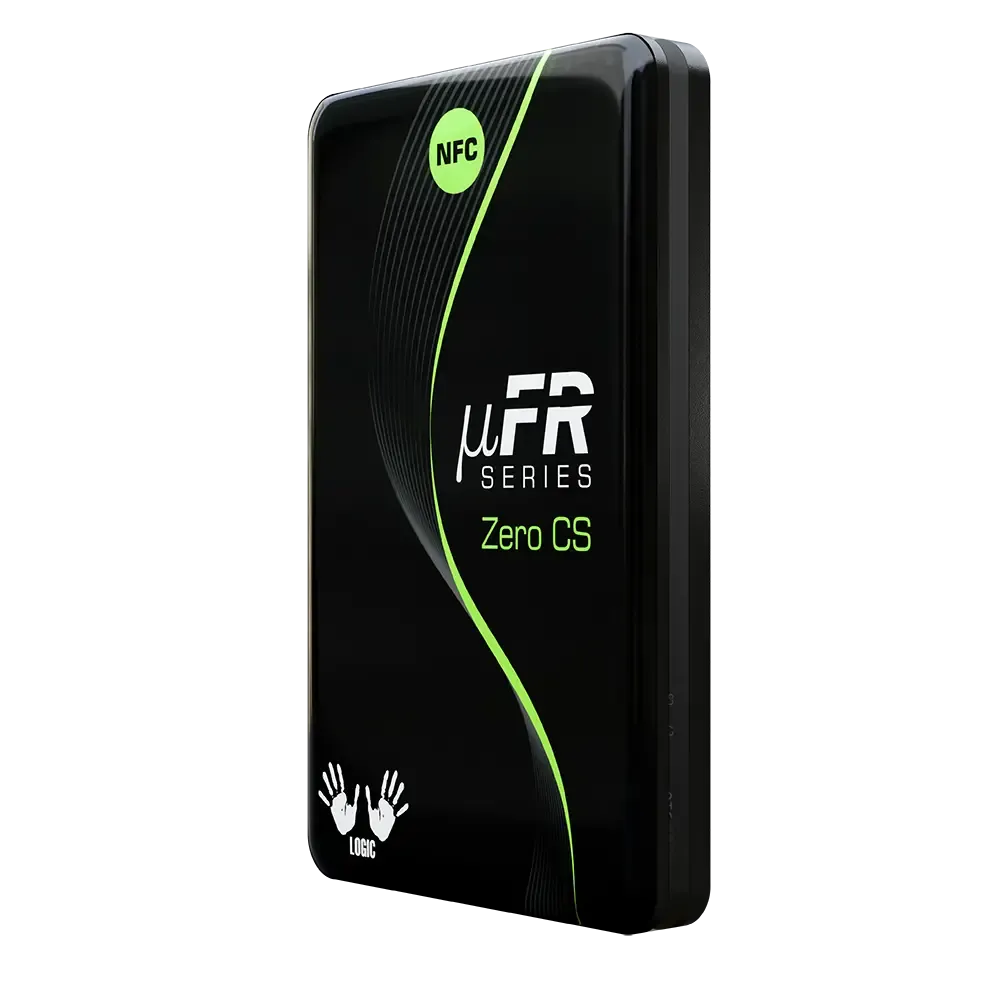
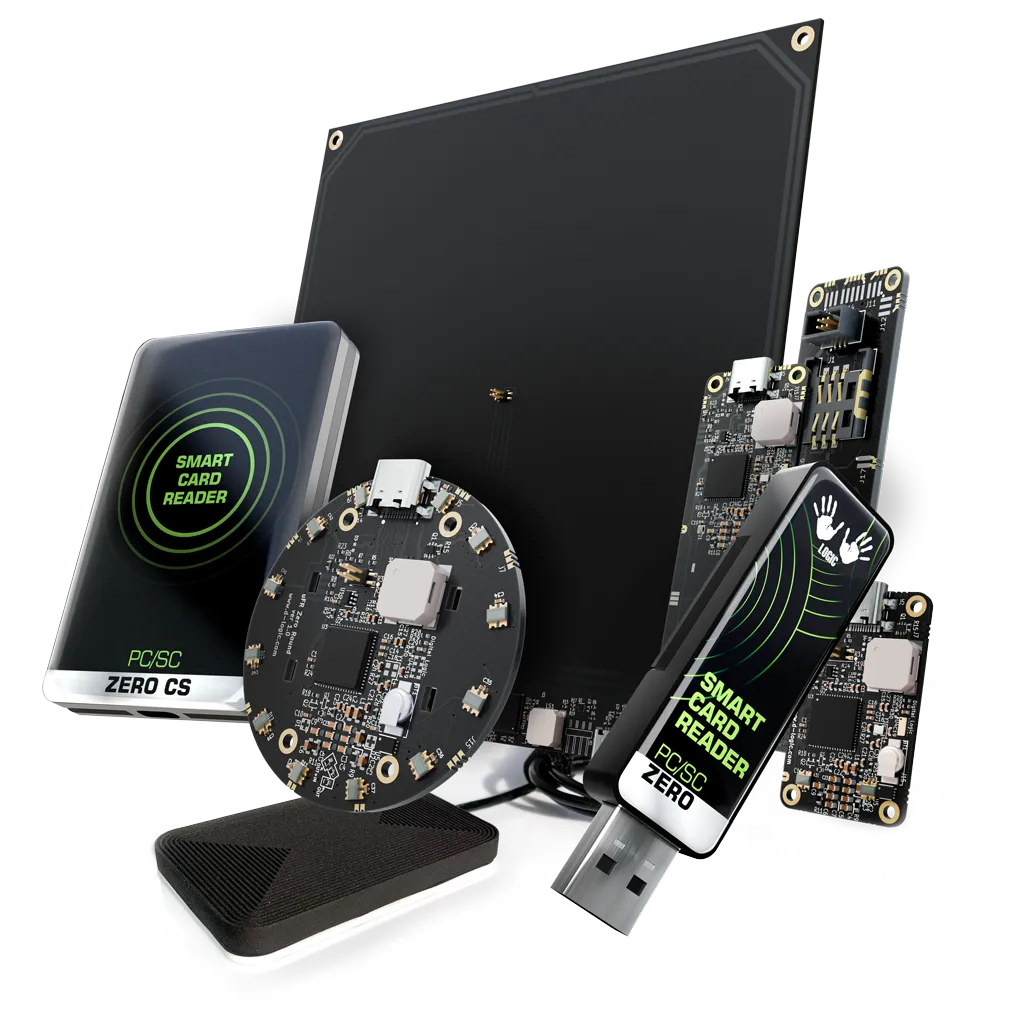
Batch NFC tag commissioning requires a write-readback-lock cycle rather than keyboard UID output. Select PR-103 (card-size USB with `uFCoder` SDK) for high-throughput desktop NDEF encoding, PR-105 (USB Round + OLED Display) when bench operators need eye-level pass/fail prompts on the reader, or PR-202 when your encoding software already runs on standard `PC/SC` APDUs.
The worked examples explain software handling. They are not reader measurements or proof of card authentication. Sources and scope · Read our editorial method
Flat desktop writers give operators a consistent target zone for placing inlays, stickers, keyfobs and PVC cards during multi-thousand-tag runs.
Select the desktop writer by operator workflow and API
| Catalogue model | Desktop form & feedback | Encoding API path | Commissioning bench fit |
|---|---|---|---|
| PR-103 | Card-size flat USB writer | Manufacturer uFCoder SDK (NDEF & block APIs) |
Dedicated factory & fulfillment encoding stations |
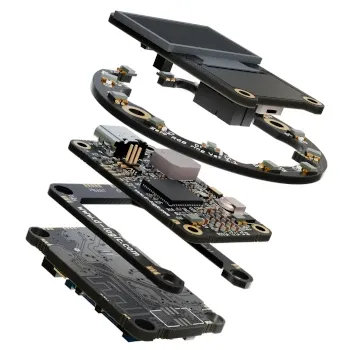
| PR-105 | USB Round + OLED Display | uFCoder SDK + operator screen status |
Hands-free QA benches showing PASS / FAIL on-device |
| PR-202 | Card-size flat USB PC/SC | Standard PC/SC (WinSCard / pcsclite) |
Cross-vendor encoding apps built on Type 2 / Type 4 APDUs |
Four quality-assurance rules to prevent mis-encoded tag batches
- Enforce a strict 4-step transaction on every tag: read factory UID -> write NDEF payload -> full readback byte comparison -> apply password protection or permanent lock bits.
- Separate unencoded rolls or trays at least 20 cm from the active 13.56 MHz writer pad so adjacent inlays never enter the RF field simultaneously.
- Match payload byte length against usable user memory on your specific ISO/IEC 14443A or ISO/IEC 15693 tag IC before freezing URL templates.
- Log
{timestamp, tagUid, payloadHash, lockStatus}to your production database so duplicate or unlocked tags cannot ship.
Explore tag read/write workflows and request a bench sample
Review our NFC tag read/write application guide, compare PR-103 desktop SDK writer and PR-105 OLED USB writer, then request 1 PR-103 encoding sample.
Official references and scope
NFCDock supplies NFC reader/writer hardware; source blank tags matching your memory and environmental spec, and always test lock irreversible bits on sacrificial samples first.
Questions to consider
Can a keyboard-emulation UID reader like PR-301 write NDEF URLs onto tags?
No. Keyboard-wedge UID readers only type out existing serial identifiers; NDEF writing and locking require an SDK writer (`PR-103` / `PR-105`) or PC/SC writer (`PR-202`).
Can permanently locked NDEF tags be unlocked if a URL changes later?
Static/dynamic hardware lock bits are irreversible once set; use password-protected write access instead of permanent lock bits if field updates are required.